Automation & Systems
Recurring Pest Control Plans: Reminder and Rebooking Workflows That Respect the Customer
23 October 2026
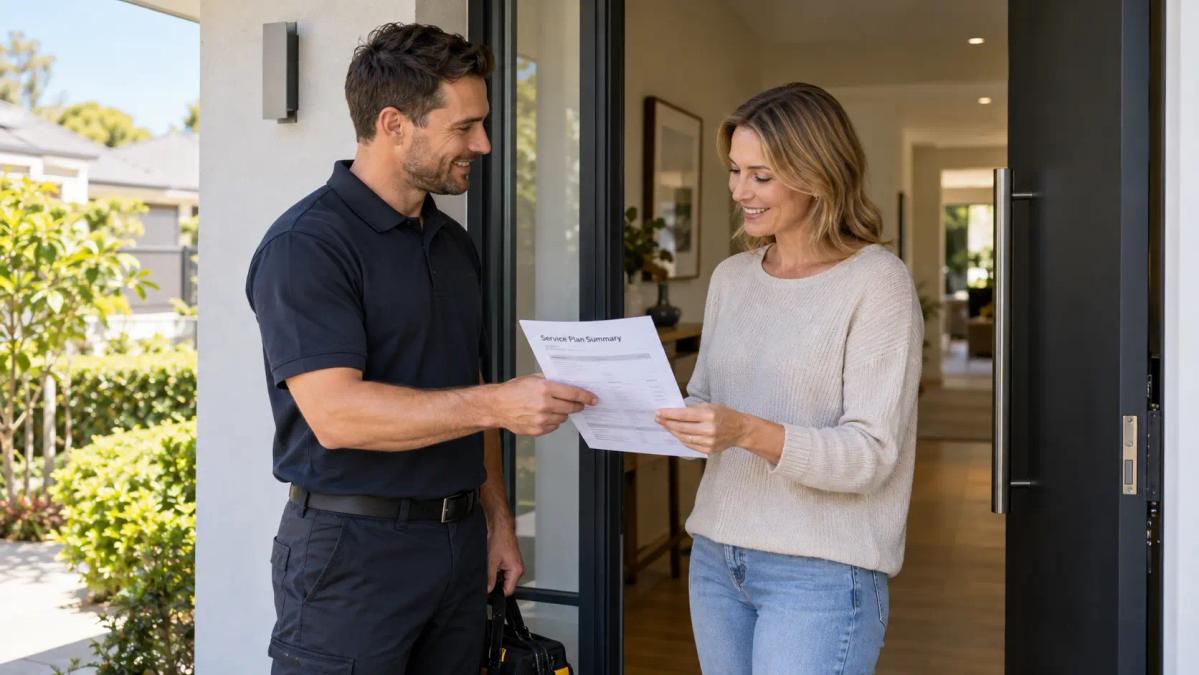
Recurring pest control work grows when customers understand what their plan includes and receive timely, relevant reminders that are easy to act on or opt out of. Pest control rebooking reminders work best as a simple, owned workflow: a clear plan page, a reminder sequence with set timing and stop conditions, a thoughtful post-service follow-up and accurate tracking in your CRM.
The problem for many businesses isn’t demand. It’s that one-off customers never hear from the business again, or hear from it at the wrong time, in the wrong way, too often. This guide is part of our wider thinking on pest control marketing services in Australia and focuses on the systems that turn a single visit into an ongoing relationship.
Below, we walk through what a plan page should explain, how to build a reminder and rebooking sequence, how to handle follow-up and reviews, and how to respect customer preferences at every step.
1. Start With a Plan Page Customers Can Understand
A recurring pest control plan only sells when customers can see, in plain language, what they’re signing up for. If the plan page is vague, reminders later on will feel like a sales push rather than a helpful prompt.
What the plan page should explain
A good plan page answers the questions a customer would otherwise call to ask. Keep it factual and specific to how your business actually operates.
- What’s included: the type of service visit, whether inspections are part of it, and what happens if issues come up between visits.
- How often visits happen: the frequency your business sets for that plan type.
- How scheduling works: whether you contact them, they book online, or both.
- How to pause, change or cancel: the steps and any notice period your business requires.
- Who it suits: homeowners, rental properties, strata complexes, commercial or food premises.
Avoid making claims about outcomes. A plan page describes a service, not a guarantee.
Let the business set the frequency
Visit frequency should come from your business’s own service standards, not from a marketing template. Different premises, property types and customer arrangements will need different schedules, and that’s a decision for your technicians and management.
On the page, state the frequency clearly and explain that it’s set by your team for that plan. Customers with specific requirements, such as commercial or food premises, should be invited to discuss their needs directly. If any compliance or licensing considerations apply, advise customers to check their state or territory requirements.
Make the plan easy to enquire about
The plan page should lead into a clear enquiry option that is separate from urgent call-outs. A customer considering an ongoing plan is in a different frame of mind from someone who needs help today.
Separating urgent treatment, inspection or ongoing plan enquiry paths helps your office team prioritize correctly and stops plan enquiries getting buried under same-day jobs. It also means you can tailor the follow-up to what each customer actually asked for.
2. Build a Pest Control Rebooking Reminders Sequence With Clear Owners
A reliable pest control rebooking reminders sequence defines three things for every step: who owns it, when it happens and what stops it. Without those three, reminders either go out late, go out twice or keep going after the customer has already booked.
Map each step: owner, timing and stop condition
Before you automate anything, write the sequence down. Each step needs a named owner, a timing your business sets and a point where messages stop.
- Upcoming service notice: owned by automation and checked by the office manager. Sent ahead of the next scheduled visit. Stops when the customer confirms, reschedules or opts out.
- Rebooking prompt (non-plan customers): owned by automation. Sent after the interval your team recommends. Stops when the customer books, declines or opts out.
- Second prompt: owned by automation. Sent a set period after the first if there’s no response. Stops when the customer responds or opts out.
- Personal follow-up: owned by an office team member. Happens after automated prompts go unanswered. Stops when the customer responds or the record is marked “no further contact”.
- Plan renewal notice: owned by the office manager. Sent before the plan term ends. Stops when the customer renews, changes or cancels.
The exact timings are yours to decide. What matters is that every step has a named owner and a clear point where messages stop.
An example sequence for a residential customer
Here’s how a sequence might look for a homeowner who had a one-off general treatment:
- Same day or next day: a short post-service message thanking them and explaining how to get in touch if they have questions.
- After a few days: a review request, sent once (see section 3).
- Approaching your recommended service interval: a reminder that explains why a follow-up visit may be worth considering and offers a simple booking link or reply option.
- If no response: one further reminder, worded differently, with an easy way to say “not now”.
- If still no response: a personal call or note from the office, or the record is marked as inactive.
For plan customers, the sequence shifts from “would you like to rebook?” to “here’s your upcoming visit, does this time still suit?”
Route replies to a real person
Automated reminders only work when replies reach someone who can act on them. A customer who replies “can we move it to next week?” shouldn’t receive another automated reminder two days later.
Set up your system so replies, reschedule requests and opt-outs are routed to the right team member and pause the sequence immediately. This is where lead capture and automated follow-up needs to be designed around your actual office workflow, not bolted on afterwards.
3. Post-Service Follow-Up and Review Requests
Post-service follow-up is the moment where trust is built or lost. A short, useful message after a visit shows the customer the business cares about the result, not just the invoice.
What the follow-up message should do
Keep the follow-up brief and practical. It should confirm the visit happened, tell the customer who to contact with questions, and point them to any written information your technician provided.
- Use the technician’s name if your business is comfortable doing so.
- Refer customers back to the service report or paperwork for treatment details, rather than restating them in a marketing message.
- Don’t use the message to upsell a plan straight away; give it some space.
Keep follow-up messages free of anything that asks about or records individuals’ health details. If a customer raises a concern of that kind, it should go to a person, not an automated workflow.
Asking for reviews fairly
A review request should be sent once, at a sensible time, to customers whose job is complete. Make it easy, but never pressured.
- Send it after the job is finished, not during.
- Ask for honest feedback, not only positive reviews.
- Don’t offer incentives in exchange for reviews, and check the review platform’s own policies.
- Give customers a direct way to raise a problem privately, and make sure someone responds.
If a customer has an issue, resolving it matters far more than the review.
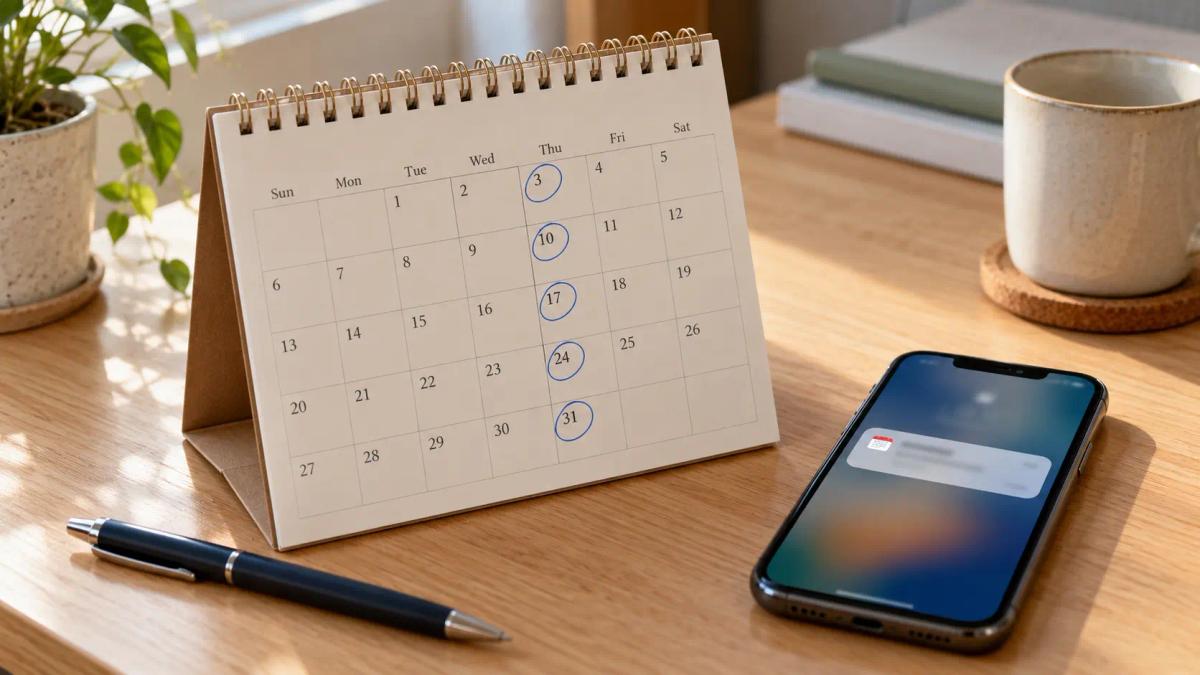
4. Respect Preferences: Consent, Channels and Opt-Out
Respecting customer preferences means only sending messages people have agreed to, on the channels they prefer, with an easy way to stop. This is both good practice and, for commercial messages, a legal matter.
Confirm your messaging obligations before automating
Before you switch on any automated reminder or marketing sequence, get clarity on your legal obligations. Messaging laws, privacy requirements and consent rules vary by business type and size, and they apply to how you contact customers.
At minimum, review:
- Whether you need explicit consent before sending commercial messages to customers.
- What information you must include in each message (such as how to identify your business).
- How customers can unsubscribe or opt out of future messages, and how quickly you need to honour that request.
- The difference between service-related messages (like confirming a booked visit) and marketing messages (like promoting a new plan). This distinction often changes what consent or opt-out rules apply.
The best approach is to get proper advice from a legal professional or compliance adviser before you launch any automated sequence. Messaging and privacy rules change, and they’re specific to your business and the channels you use (SMS, email, phone calls). A brief conversation with an adviser now saves time and risk later.
Give customers control of channel and timing
Customers should be able to choose how they hear from you. Some prefer SMS, some prefer email, and some only want a phone call before a visit.
- Record each customer’s preferred channel at booking or on your plan sign-up form.
- Let customers opt out of marketing while still receiving service confirmations they’ve asked for.
- Honour opt-outs immediately and across every channel, not just the one they replied on.
- Avoid sending messages at unsociable hours.
Commercial, strata and property manager contacts
Commercial and managed-property customers often have different decision-makers from the people on site. A strata manager or property manager may approve the plan, while tenants or residents simply need access notices.
Keep these contacts separate in your CRM. Send scheduling and renewal messages to the person responsible for the arrangement, and agree with them how access notices to occupants should be handled.
5. Track Renewals in Your CRM
Tracking renewals in your CRM turns recurring pest control plans from a hopeful habit into a manageable pipeline. If the information isn’t in the system, the reminders can’t be accurate.
Fields worth recording
You don’t need a complicated setup. A handful of consistent fields will support pest control customer retention far better than scattered notes.
- Plan type and start date
- Visit frequency set for that customer
- Next scheduled visit date
- Plan end or renewal date
- Preferred contact channel and consent status
- Decision-maker contact (for commercial, strata or property management accounts)
- Sequence status: active, paused, completed or opted out
Reports to review each month
A short monthly review helps you spot gaps before they become lost customers. Focus on a few simple questions:
- Which plans are due for renewal in the coming weeks, and has someone been assigned?
- Which one-off customers reached their reminder point but haven’t responded?
- How many opt-outs came in, and is there a pattern in the messages that triggered them?
- Are any sequences stuck because a reply wasn’t routed to a person?
Keep track of what happens over time. Watch for patterns: which reminder sequences get the best response rates, which ones generate complaints or opt-outs, and where customers are getting stuck. Start with the data you can easily pull from your CRM, and add more detailed tracking as your process becomes routine. Over a few months, you’ll know what’s working in your own business and where to improve.
6. Common Mistakes to Avoid
The most common mistakes in recurring plan workflows come from automating too fast and owning too little. Each of these can quietly undermine trust.
- Reminders with no stop condition. Customers who have already booked keep receiving prompts.
- Vague plan pages. Customers don’t know what’s included or how often, so reminders feel like a sales pitch.
- One sequence for everyone. A food premises operator, a strata manager and a homeowner all receive the same generic message.
- Fear-driven wording. Messages that exaggerate pest risks erode trust and can mislead customers.
- Ignoring replies. Automated messages carry on after a customer has asked a question or requested a change.
- Skipping the consent check. Marketing messages go out before obligations have been confirmed.
- Multiple review requests. Asking repeatedly turns goodwill into irritation.
- No CRM hygiene. Renewal dates and contact preferences are missing or out of date, so the system sends the wrong thing at the wrong time.
7. What Good Looks Like
A good recurring plan workflow feels helpful to the customer and predictable to your office team. Customers know what they’re paying for, hear from you when it’s relevant, and can change or stop messages without friction.
On the business side, every message has an owner, every sequence has a clear end point and every renewal is visible in the CRM before it’s due. Your team spends less time chasing and more time on the conversations that need a person.
Retention also works best alongside a healthy flow of new customers. If you’re reviewing the whole picture, it’s worth understanding how pest control companies get more qualified leads, so new enquiries and recurring plans support each other.
Ready to see where your pest control lead flow is breaking down? Request a pest control growth audit with AIECOM Solutions.
Frequently Asked Questions
How often should pest control rebooking reminders be sent?
Reminder timing should follow the service interval your business recommends for that customer and property type, not a generic marketing schedule. Most workflows use an upcoming-visit notice for plan customers and one or two prompts for one-off customers, with a clear stop once they book, decline or opt out. Review timing regularly and adjust if customers say reminders arrive too early, too late or too often.
What’s the difference between a service reminder and a marketing message?
A service reminder usually relates to a booking or arrangement the customer already has, such as confirming an upcoming plan visit. A marketing message promotes a new service or encourages a new purchase. The distinction can affect your obligations around consent and unsubscribe options, so confirm your messaging requirements with ACMA guidance or a qualified adviser before automating either type.
Should we ask every customer for a review?
It’s reasonable to ask customers whose job is complete, but ask once and keep it low-pressure. Invite honest feedback rather than only positive reviews, and give customers a way to raise concerns privately. Don’t offer incentives for reviews, and check the policies of the platform you’re using. If someone reports a problem, focus on resolving it rather than the review itself.
How do we handle reminders for strata and property-managed sites?
Treat the strata manager or property manager as the primary contact for scheduling, renewals and plan decisions, and store them separately from on-site occupants in your CRM. Agree with them how access notices to tenants or residents should be handled and who sends them. This keeps renewal conversations with the right decision-maker and avoids confusing occupants with messages they can’t act on.
NEXT STEP
Ready to Work With a Team That Actually Delivers?
Book a free strategy call. No pitch. Just honest advice.